How to Write AI Image Prompts That Work: A Step-by-Step Formula
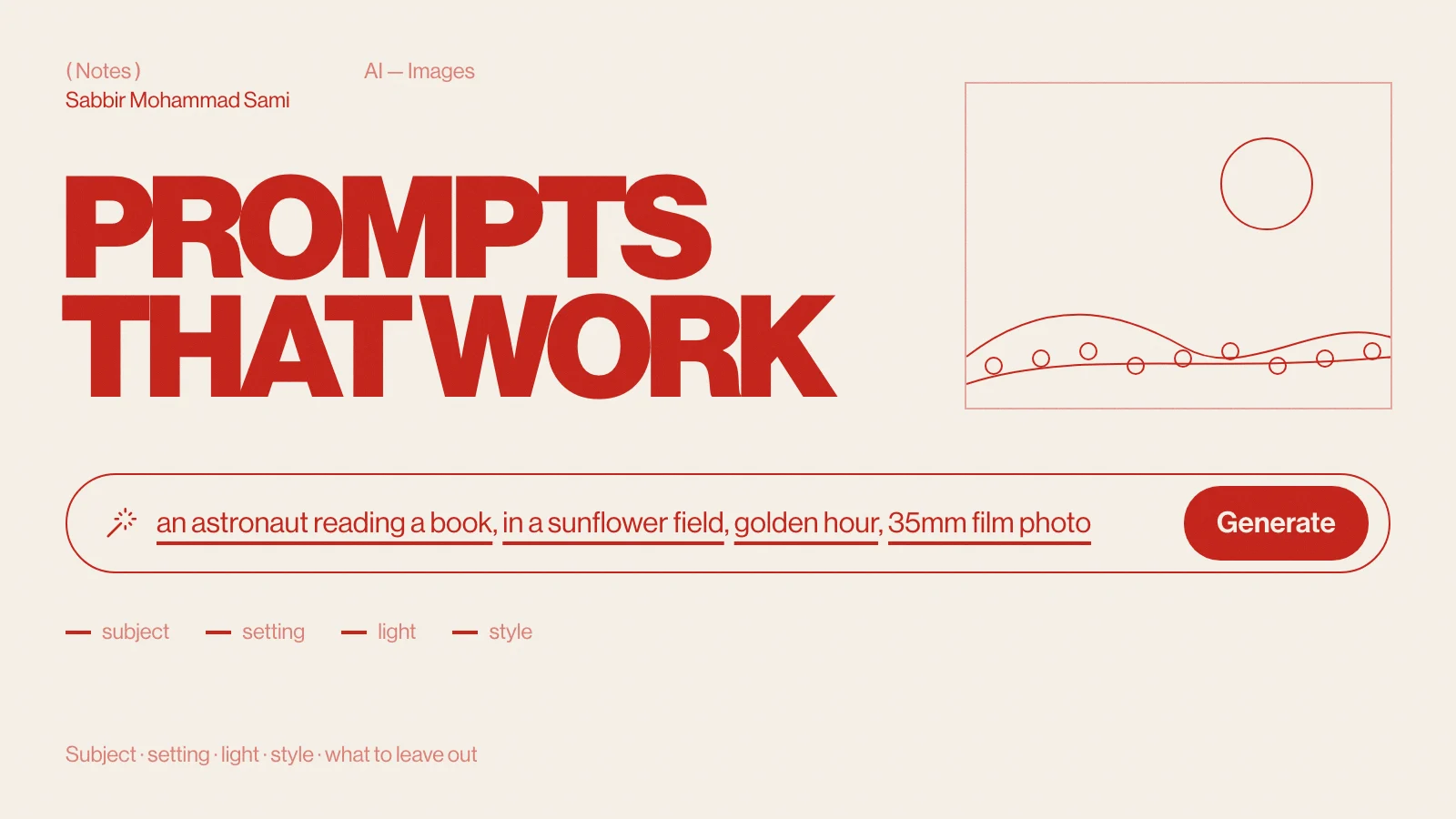
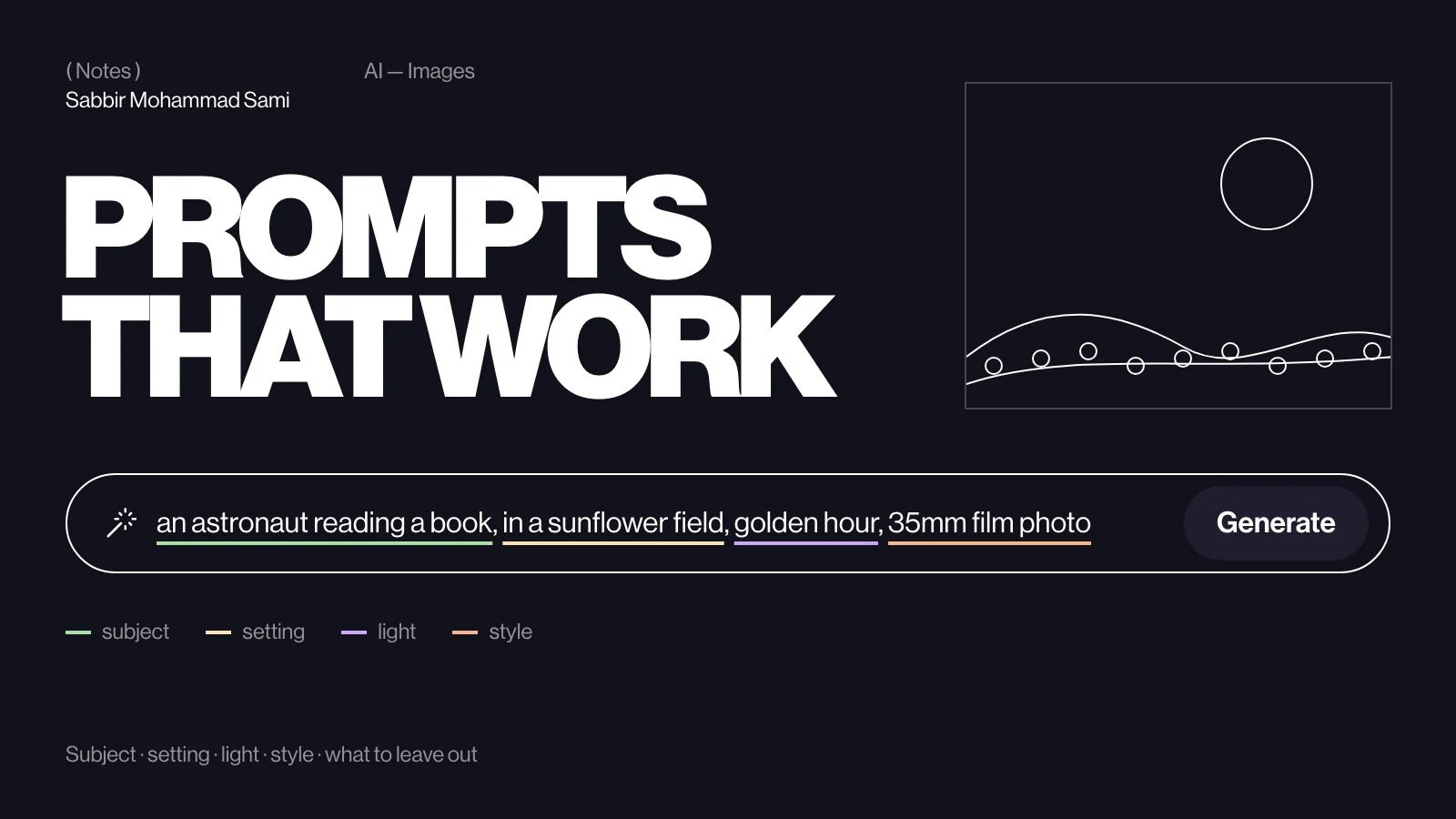
A good image prompt names five things in order: the subject and what it is doing, the setting, the light, the style or camera, and the format. Then say what to leave out and change one thing at a time. This guide breaks the formula down with examples and templates you can paste into any free image generator.
( Before you start )
The formula
| Part | Ask yourself | Example |
|---|---|---|
| Subject | Who or what, doing what? | an astronaut reading a paperback |
| Setting | Where? | in a sunflower field |
| Light | When, and lit how? | golden hour, low sun behind |
| Style | Photo, painting, render — made how? | 35mm film photo, shallow depth of field |
| Format | What shape and framing? | wide shot, 16:9, space on the left for text |
an astronaut reading a paperback in a sunflower field, golden hour with the
low sun behind, 35mm film photo with shallow depth of field, wide shot, 16:9,
empty sky on the left for a headline
( Step by step )
Be specific about the subject
Generators fill every gap with the most average choice. “A dog” gets a generic dog; “a scruffy grey terrier puppy chewing a red sock” gets a picture. Use concrete nouns, a few adjectives that matter, and an action.
Set the scene and the light
Setting gives context; light gives mood. Lighting words are the cheapest upgrade in prompting: “overcast soft light”, “neon reflections on wet asphalt”, “window light from the left”, “blue hour”, “studio softbox”.
Choose a style
| You want | Try |
|---|---|
| A realistic photo | 35mm film photo, 85mm portrait lens, shallow depth of field |
| A product shot | studio product photo, seamless pastel background, soft shadow |
| An illustration | flat vector illustration, limited palette, clean shapes |
| A painting | watercolour on textured paper, loose brush strokes |
| A 3D look | isometric 3D render, soft clay materials, studio lighting |
| A diagram feel | minimal line drawing, single stroke weight, white background |
Decide the format
Say how the image will be used. Framing words — close-up, wide shot, top-down, from a low angle — change more than people expect. If text will sit on top, ask for empty space where it goes. Set the aspect ratio in the tool’s settings where it has one; otherwise write it into the prompt.
Say what to leave out
Some tools have a separate negative-prompt field for things to avoid, such as “text, watermark, extra fingers”. Where there is none, describe what you do want instead: “a plain empty background” works better than “no clutter”, because naming a thing tends to summon it.
Change one thing at a time
When a result is close, keep the prompt and change a single part — the light, the lens, the style — so you learn what each word does. If the tool lets you fix the seed, keep it fixed while you adjust; the composition stays put and only your change moves.
( Going further )
Getting text right
- Keep it short — one to four words.
- Put the exact words in quotation marks: a poster that says "OPEN LATE".
- Say where it goes and how it looks: bold sans-serif, centred, white on red.
- For anything longer, generate the image without text and add it in a design tool.
Before and after
| Weak | Strong |
|---|---|
| a coffee shop | a narrow coffee shop at 7am, steam rising from an espresso machine, window light from the left, 35mm film photo, wide shot |
| logo for my app | flat vector logo mark of a paper plane folded from a code bracket, two colours, centred on white, no text |
| fantasy castle | a castle on a sea cliff at blue hour, waves below, warm lights in the windows, watercolour on textured paper |
Templates to copy
PHOTO
[subject doing something], [setting], [light], 35mm film photo,
[lens/framing], [aspect ratio]

PRODUCT
studio product photo of [product] on a seamless [colour] background,
soft shadow, [angle], plenty of empty space on the [side]

ILLUSTRATION
flat vector illustration of [scene], limited palette of [colours],
clean shapes, [aspect ratio], no textUse them responsibly
- Do not recreate real people’s likeness, or another artist’s signature style, without permission.
- Check the plan’s licence before commercial use — free plans differ a lot. See free AI image generation APIs in 2026.
- Label AI images honestly, including in alt text, wherever they could be mistaken for photographs.
Image prompting FAQ
- What makes a good AI image prompt?
- Specific nouns and actions for the subject, then the setting, the light, the style or camera, and the format, in that order. Concrete words beat vague ones like “beautiful” or “amazing”.
- How long should an image prompt be?
- One to three sentences is usually enough. Past that, later details tend to be ignored; put the most important things first.
- Why does my AI image have strange text?
- Image models still struggle with text. Keep it to a few words in quotation marks, or leave text out and add it afterwards in a design tool.