Claude Code Skills: Write Your First SKILL.md, Step by Step
A Claude Code skill is a folder with a SKILL.md file: YAML frontmatter that tells Claude when to use it, then plain Markdown instructions. Claude loads a skill when your request matches its description, or you run it yourself with /skill-name. This guide builds one from scratch, adds a script, and shows how to test and share it.
( Before you start )
What a skill is, and why it beats a long prompt
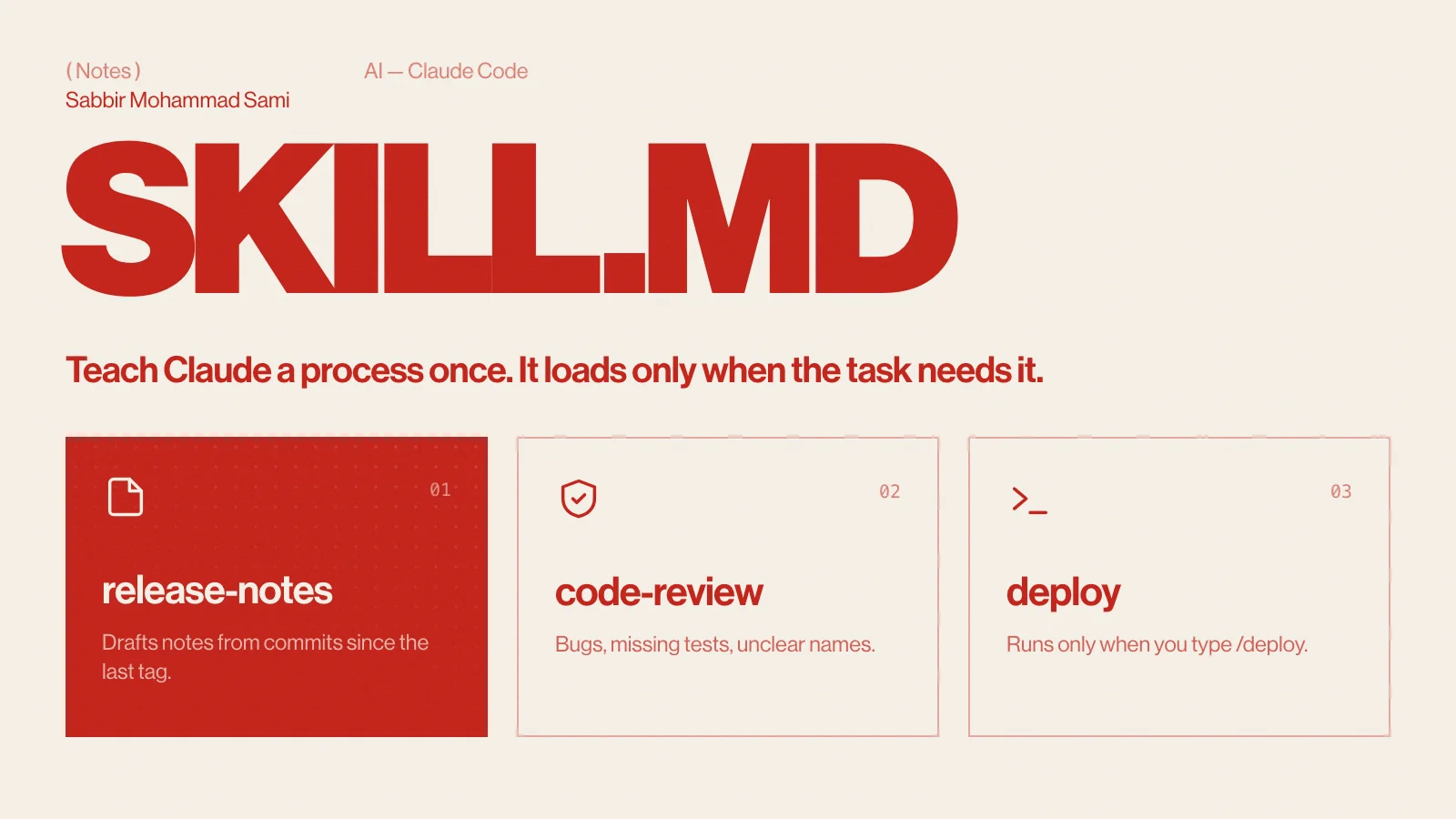
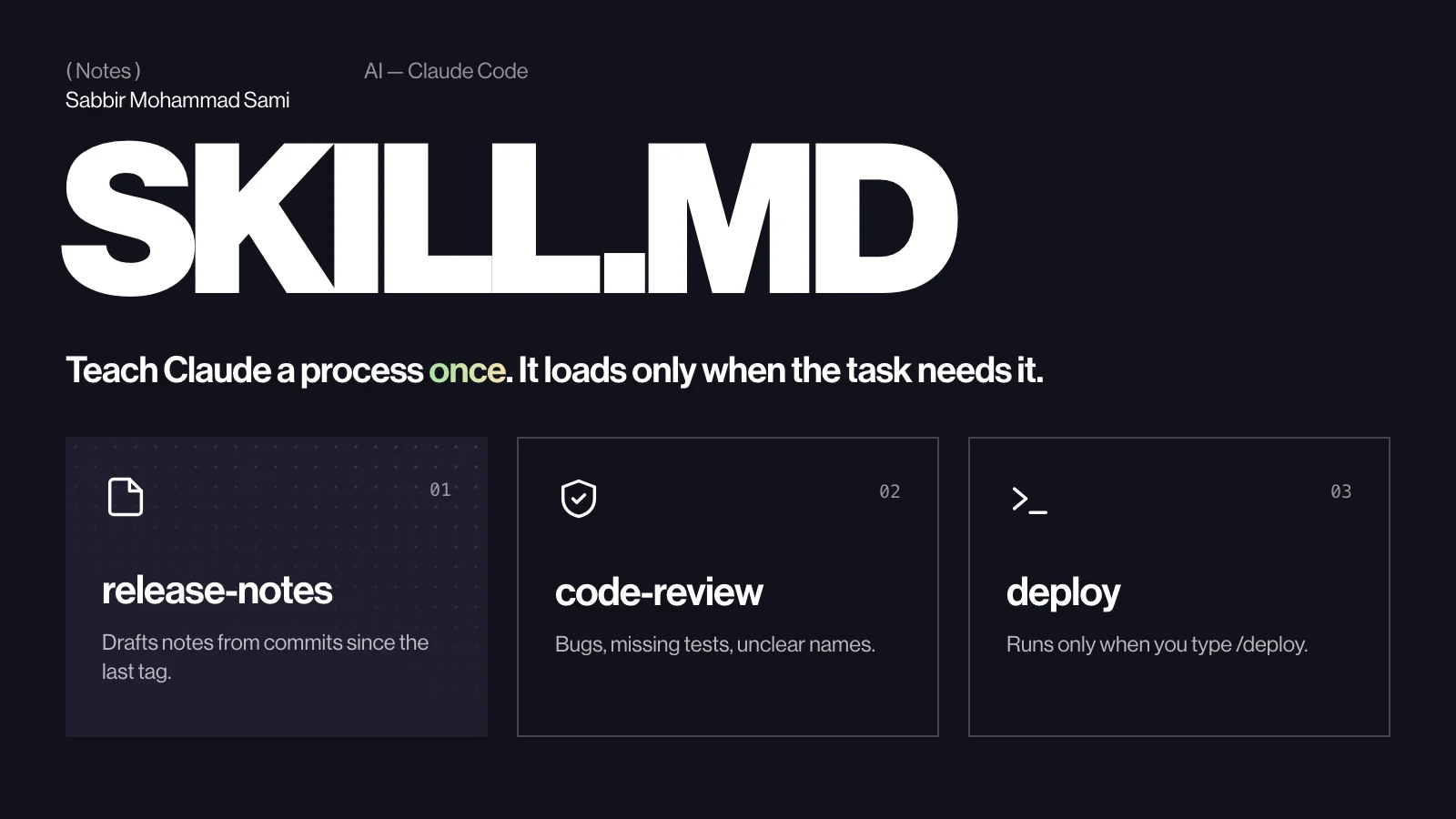
A skill is a reusable set of instructions that Claude Code loads only when it needs them. Instead of pasting the same “here is how we write release notes” prompt into every session, you write it once in a SKILL.md file. Claude sees a short description of every skill up front and opens the full file only when a task matches — so a long list of skills costs almost nothing until one is used.
- Repeatable work — release notes, review checklists, migration steps, commit messages.
- Team knowledge — commit a skill to the repository and everyone’s Claude follows the same process.
- Exact steps — a skill can ship scripts that Claude runs, so the fiddly logic stays deterministic.
Where skills live
A skill is a folder named after the skill, with a SKILL.md inside. Where you put the folder decides who gets it:
| Scope | Path | Use it for |
|---|---|---|
| Personal | ~/.claude/skills/<name>/SKILL.md | Your own habits, in every project |
| Project | .claude/skills/<name>/SKILL.md | Team workflows, committed with the code |
| Plugin | <plugin>/skills/<name>/SKILL.md | Sharing across projects; runs as /plugin-name:skill-name |
If a personal and a project skill share a name, the personal one wins. Plugin skills carry the plugin’s name as a prefix, so they never clash with yours.
( Build one, step by step )
Create the folder
mkdir -p .claude/skills/release-notes
touch .claude/skills/release-notes/SKILL.md
Use lowercase letters and hyphens for the folder name: it is what you type after the slash.
Write the frontmatter
The file opens with YAML between two --- lines, starting on the very first line. Every field is optional, but description is the one that matters: it is what Claude reads to decide whether the skill fits the task in front of it.
---
name: release-notes
description: Drafts release notes from the commits since the last tag. Use when the user asks for release notes, a changelog entry or "what shipped".
---- name — defaults to the folder name when you leave it out.
- description — say what the skill does and when to use it, in the words a person would actually type. A vague description is the most common reason a skill never runs.
- allowed-tools — a space-separated list, such as
allowed-tools: Read Grep Bash, that limits the tools Claude may use while the skill runs. - disable-model-invocation: true — only you can start the skill, with its slash command; Claude will not load it on its own. Use it for anything with side effects, like a deploy.
Write the instructions
Below the frontmatter is ordinary Markdown. Write it the way you would brief a new teammate: the goal, the steps in order, and what “done” looks like. Here is the whole file:
---
name: release-notes
description: Drafts release notes from the commits since the last tag. Use when the user asks for release notes, a changelog entry or "what shipped".
---

# Release notes

## Steps
1. Find the last tag: `git describe --tags --abbrev=0`
2. List the commits since it: `git log <tag>..HEAD --oneline`
3. Group them by Conventional Commit type: feat, fix, perf, then the rest.
4. Rewrite each line for users, not developers. Drop chore and ci commits.

## Output
- A `## vX.Y.Z` heading, then Features, Fixes and Performance sections.
- One line per change, present tense, no commit hashes.
Keep SKILL.md under about 500 lines. Long reference material belongs in separate files next to it (step 5) — Claude reads those only when the instructions point to them.
Run it and check it loaded
Start a new Claude Code session in the project. Either ask in plain words and let Claude pick the skill from its description, or run it yourself:
write release notes for this version

/release-notes- Type
/in the prompt — your skill should be in the menu. - Run
/skillsto list every skill Claude Code has loaded. - The slash command only runs at the start of a message; typing the name mid-sentence does not trigger it.
Add scripts and reference files
A skill folder can hold more than one file. Scripts are run, not read into the conversation, which makes them the right home for anything that must be exact — parsing, validating, generating.
.claude/skills/release-notes/
├── SKILL.md
├── reference.md          # tone and wording, read only when needed
└── scripts/
    └── contributors.sh   # prints the unique commit authors
Point to them from SKILL.md. ${CLAUDE_SKILL_DIR} stands for the skill’s own folder, so the path works wherever the skill is installed:
## Contributors
Run `bash ${CLAUDE_SKILL_DIR}/scripts/contributors.sh` and thank everyone it prints.
For tone and wording, follow [reference.md](reference.md).
( Going further )
Descriptions that actually trigger
| Weak | Strong |
|---|---|
| Helps with releases. | Drafts release notes from commits since the last tag. Use when the user asks for release notes or a changelog. |
| Code review. | Reviews a diff for bugs, missing tests and unclear names. Use before a commit or when the user asks for a review. |
| Database stuff. | Writes and checks Prisma migrations. Use when the schema changes or a migration fails. |
The pattern is always the same: what it does, then “Use when…” with the phrases people really say. Rules that should apply to every task do not belong in a skill at all — put them in CLAUDE.md.
Skills FAQ
- What is the difference between a skill and CLAUDE.md?
- CLAUDE.md is loaded into every session, so it suits rules that always apply. A skill is loaded only when a task needs it, so it suits longer, task-specific procedures.
- Can I stop Claude from running a skill on its own?
- Yes. Add
disable-model-invocation: trueto the frontmatter and the skill only runs when you type its slash command. - How do I share a skill with my team?
- Commit it under
.claude/skills/in the repository, or package it in a plugin so other projects can install it. - Why does my skill never load?
- Almost always the description. Make it say when to use the skill, in the words a person would type, then check that it appears in
/skills.
Reference: Claude Code docs — Skills.