How to Write a CLAUDE.md That AI Agents Actually Follow
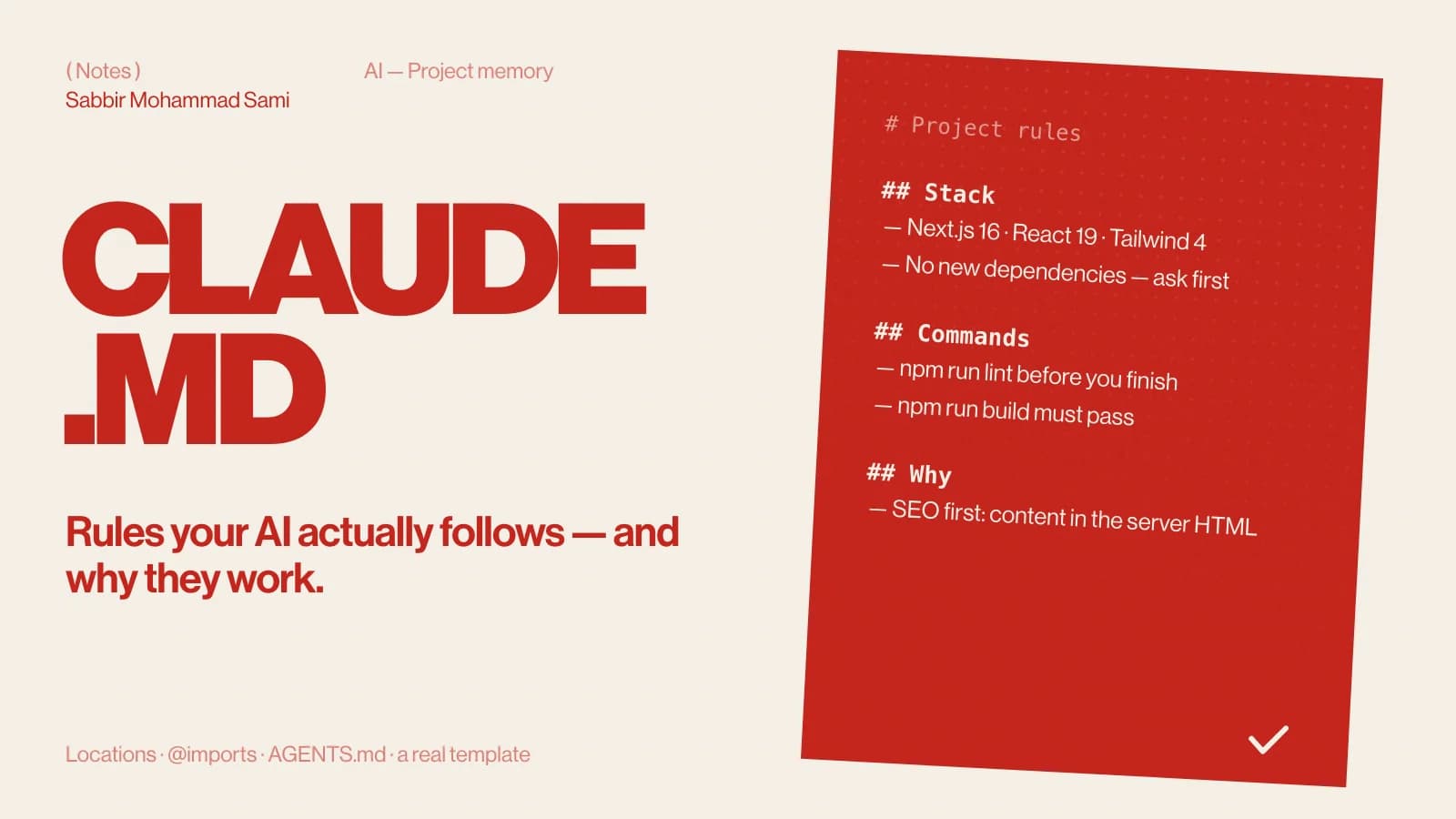
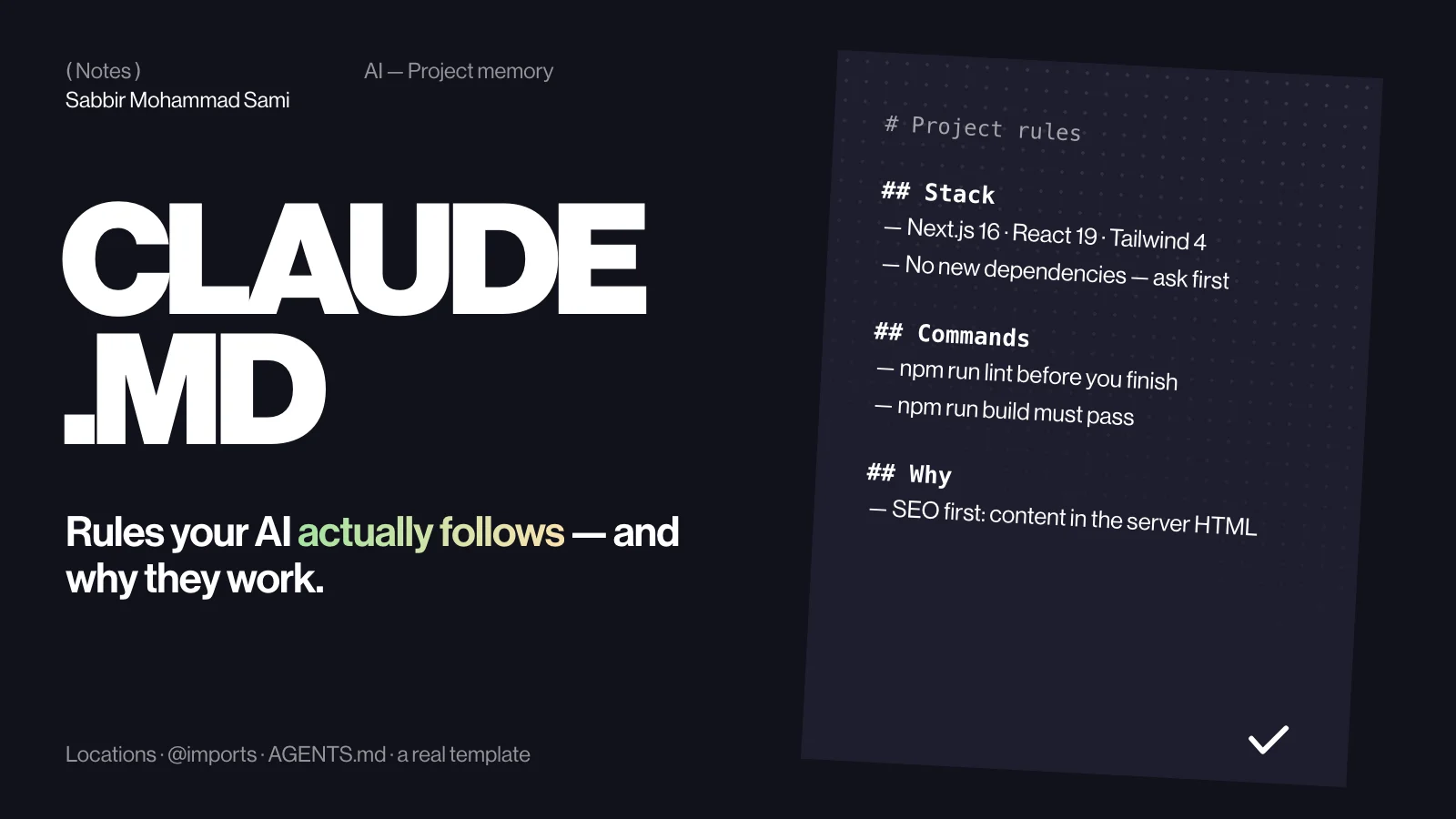
CLAUDE.md is the file Claude Code reads at the start of every session: your project’s rules, commands and constraints. Keep it short, specific and checkable — the stack, the commands, what never to do, and why. This guide covers where the files live, how imports work, and the exact structure used to build this website.
( Before you start )
What CLAUDE.md does
Claude Code starts every session knowing nothing about your project. CLAUDE.md is the briefing it reads first, every time. A good one saves you repeating “we use npm”, “don’t add dependencies” and “pages are Server Components” in every prompt — and stops the same mistake from happening twice.
Where the files go
| File | Scope | Shared? |
|---|---|---|
~/.claude/CLAUDE.md | You, in every project | No |
./CLAUDE.md or ./.claude/CLAUDE.md | This project | Yes — commit it |
./CLAUDE.local.md | This project, only you | No — keep it out of Git |
.claude/rules/*.md | This project, split by topic | Yes |
The files add up rather than replace each other: Claude Code loads them from your home folder down to the project. A CLAUDE.md inside a subfolder loads when Claude works in that folder, so each package in a monorepo can carry its own rules.
( Step by step )
Generate a draft
Run /init in a Claude Code session. It reads the project and writes a first CLAUDE.md — or suggests improvements when one already exists. Treat the result as a draft: it can describe what is there, but it cannot know your rules until you write them.
Write rules, not descriptions
The model can read your code. What it cannot read is intent. Spend your lines on what the files do not say:
| Vague | Specific |
|---|---|
| Write clean code. | No new dependencies. If one seems necessary, stop and ask. |
| Use modern React. | Pages are Server Components. Client code lives in small "use client" islands. |
| Test your changes. | Run npm run lint and npm run build before saying a task is done. |
| Be careful with SEO. | Every page needs generateMetadata, a canonical URL, one h1 and JSON-LD. |
Say why
A rule with a reason gets applied to cases the rule never named. This passage is from the CLAUDE.md that builds this website:
## The cardinal sin (learned from portfolio v1)
The old Hero built its <h1> with JS at runtime and started at opacity: 0.
The LCP element was not in the HTML. Never do this. Text goes in the
server HTML; GSAP only animates clip-path / transform / opacity on top of it.
Because the reason is there — the largest text on the page has to be in the server HTML — Claude applies it to headings, captions and buttons too, not only to the one hero it mentions.
Correct what the model learned from old code
Models learn from older code. On a new major version, list the differences that have bitten you. This site runs Next.js 16, so its CLAUDE.md says so plainly:
## Next.js 16 — things that differ from training data
- params and searchParams are Promises: const { slug } = await props.params
- cookies(), headers() and draftMode() are async-only.
- Turbopack is the default. No --turbopack flag in scripts.
- Re-read node_modules/next/dist/docs/ before using an API you are unsure about.Split it with @imports
Long files get skimmed, by people and models alike. Aim for under 200 lines per file and pull the rest in with @path imports:
@AGENTS.md

# Portfolio v2

See @docs/architecture.md for the folder layout
and @package.json for the available scripts.- Paths are relative to the file that does the importing.
- Imports can nest up to four levels deep.
- An
@pathinside a code span or code block is left alone, so you can still write about imports.
( Going further )
CLAUDE.md and AGENTS.md together
AGENTS.md is the shared instructions file that many coding agents read, and Claude Code reads it too when a project has no CLAUDE.md. If you keep both, put the shared rules in AGENTS.md and make the first line of CLAUDE.md @AGENTS.md. That leaves one source of truth — which is exactly how this site’s repository is set up.
A template to start from
# <Project name>

## Stack
- Next.js 16 (App Router), React 19, TypeScript, Tailwind CSS 4.
- Package manager: npm. Do not add dependencies without asking.

## Commands
- npm run dev — local server
- npm run lint — must pass before you finish
- npm run build — must pass before you finish

## Rules
- Pages are Server Components; client code in small "use client" islands.
- No hardcoded URLs: read SITE_URL from lib/site.ts.
- Never edit generated files such as next-env.d.ts.

## Why
- SEO is the first requirement, so all content must be in the server HTML.Keep it alive
- When Claude makes the same mistake twice, add the one line that prevents it.
- During a session, ask Claude to “remember” a rule or to “add this to CLAUDE.md”.
- Run
/memoryto see every memory file that is loaded and open one in your editor. - Delete rules that no longer apply — a stale rule is followed just as faithfully as a good one.
CLAUDE.md FAQ
- How long should CLAUDE.md be?
- Short enough to read in a minute — under about 200 lines per file. Move the detail into imported files.
- Should I commit CLAUDE.md?
- Yes, the project file. Personal preferences belong in
CLAUDE.local.mdor~/.claude/CLAUDE.mdinstead. - Does Claude always follow it?
- It is context, not enforcement. For anything that must happen every time, such as formatting or protecting a file, use a hook.
- CLAUDE.md or a skill?
- Rules that apply to every task go in CLAUDE.md. A long procedure for one kind of task belongs in a skill, which loads only when it is needed.
Reference: Claude Code docs — Memory.