Claude Code Plugins: Install, Build and Share Your Own
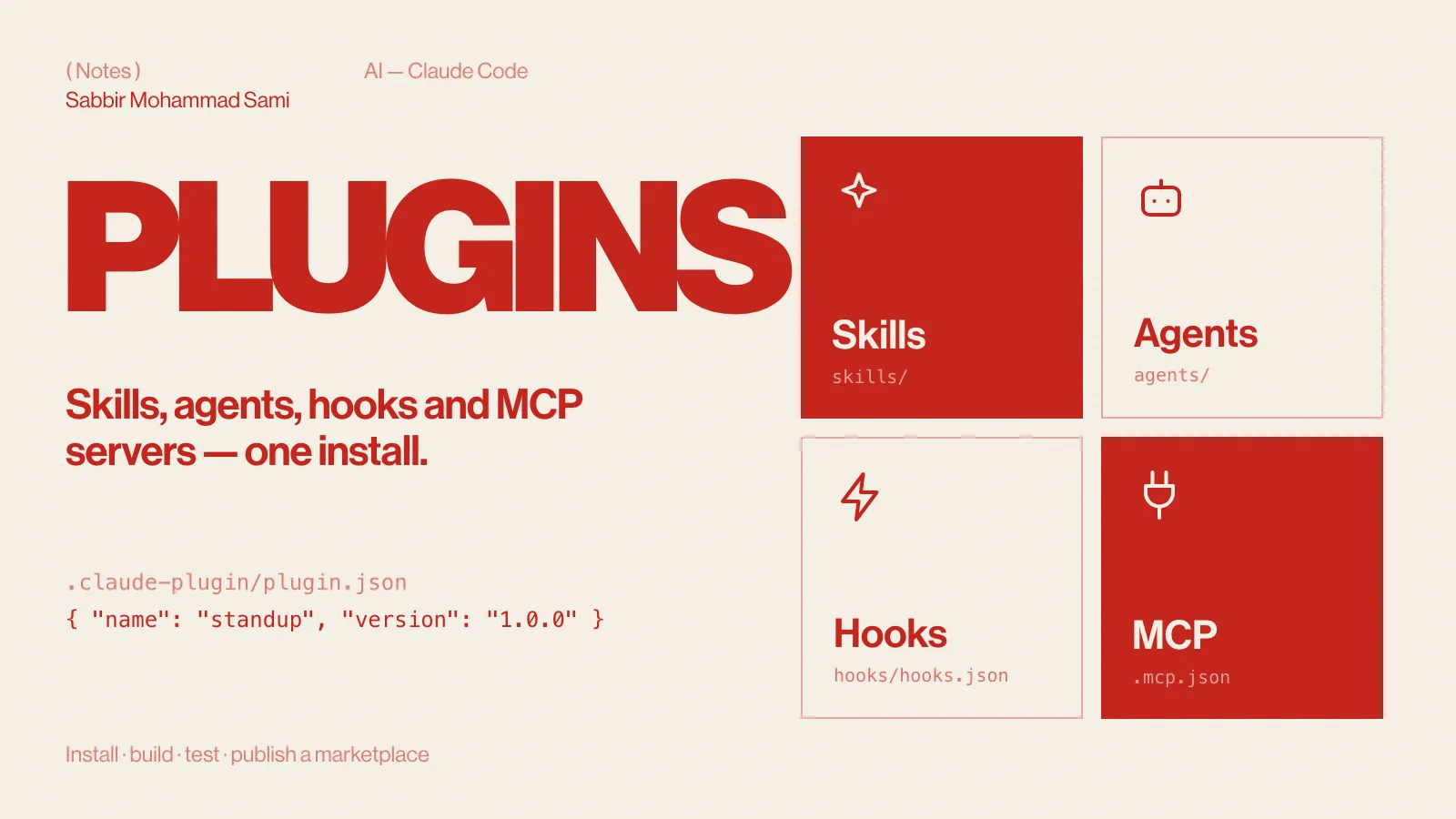
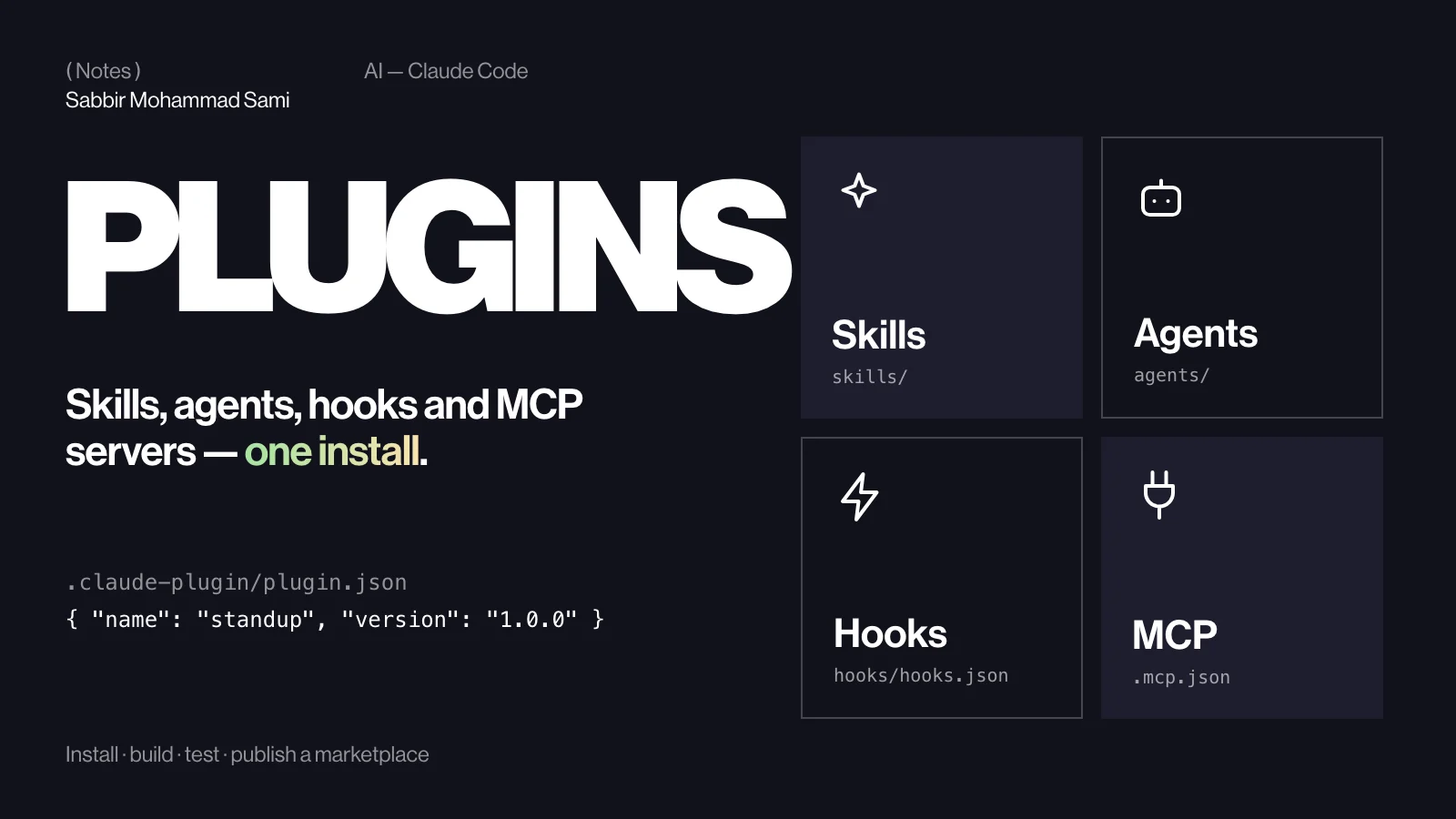
A Claude Code plugin packages skills, subagents, hooks and MCP servers into one installable folder, so a whole workflow can be shared with a single command. Plugins are installed from marketplaces — repositories that list them. This guide installs one, builds a small plugin, tests it locally, and publishes it through your own marketplace.
( Before you start )
What a plugin is
Skills, hooks and MCP servers are each useful on their own. A plugin bundles them: install one package and a whole team gets the same commands, the same guard rails and the same tool connections.
| Part | Where it goes | What it adds |
|---|---|---|
| Manifest | .claude-plugin/plugin.json | The plugin’s name, version and author |
| Skills | skills/<name>/SKILL.md | Instructions Claude loads on demand, and slash commands |
| Agents | agents/ | Subagents for focused tasks |
| Hooks | hooks/hooks.json | Commands that run on Claude Code events |
| MCP servers | .mcp.json | Connections to outside tools and services |
Older plugins use a commands/ folder of flat Markdown files. New plugins should use skills/ instead.
( Step by step )
Install a plugin from a marketplace
A marketplace is a catalogue of plugins, usually a Git repository. Add it once, then install from it:
# Add a marketplace: a GitHub owner/repo, or a local path
claude plugin marketplace add owner/repo

# Install a plugin from it
claude plugin install plugin-name@marketplace-name

# See what is installed
claude plugin list
Inside a session the same steps are /plugin marketplace add … and /plugin install …. Running /plugin on its own opens a browser whose Installed tab switches plugins on and off.
Create the plugin folder
standup/
├── .claude-plugin/
│   └── plugin.json
└── skills/
    └── summary/
        └── SKILL.md
Only plugin.json goes inside .claude-plugin/. Everything else sits at the plugin’s root.
Write the manifest
{
  "name": "standup",
  "description": "Turns the day's commits into a stand-up update",
  "version": "1.0.0",
  "author": { "name": "Sabbir Mohammad Sami" }
}
name is the only required field, and it matters: it becomes the prefix of every skill in the plugin.
Add a skill
In skills/summary/SKILL.md (the format is covered step by step in Claude Code Skills):
---
description: Summarises today's commits as a stand-up update. Use when the user asks for a stand-up, a daily summary or "what did I do today".
---

1. Run `git log --since=midnight --oneline`.
2. Group the commits by feature.
3. Write three short lines a teammate could read aloud at stand-up.
Inside a plugin the skill runs as /standup:summary — the plugin’s name keeps it from clashing with anyone else’s summary.
Test it locally
# Check the structure and the manifest
claude plugin validate ./standup

# Start Claude Code with the plugin loaded from disk
claude --plugin-dir ./standup
Run /standup:summary to try it. After you edit a file, /reload-plugins picks up the change without a restart.
Publish it through a marketplace
A marketplace is a repository with a .claude-plugin/marketplace.json at its root. It needs a name, an owner and the list of plugins:
my-marketplace/
├── .claude-plugin/
│   └── marketplace.json
└── plugins/
└── standup/{
"name": "my-marketplace",
"owner": { "name": "Sabbir Mohammad Sami" },
"plugins": [
{
"name": "standup",
"source": "./plugins/standup",
"description": "Turns the day's commits into a stand-up update"
}
]
}Check it with claude plugin validate ./my-marketplace and push it to GitHub. Anyone can then run claude plugin marketplace add your-name/my-marketplace and claude plugin install standup@my-marketplace. A plugin can also live in its own repository: set its source to { "source": "github", "repo": "owner/repo" }.
( Going further )
Adding hooks and MCP servers
Hooks go in hooks/hooks.json, in the same shape as in a settings file — a top-level hooks key, then the events. This one formats every file Claude edits (see Claude Code Hooks for how it works):
{
  "hooks": {
    "PostToolUse": [
      {
        "matcher": "Write|Edit",
        "hooks": [
          {
            "type": "command",
            "command": "jq -r '.tool_input.file_path' | xargs npx prettier --write --ignore-unknown"
          }
        ]
      }
    ]
  }
}
MCP servers go in a .mcp.json at the plugin’s root, in the same format a project uses (MCP in Claude Code).
Plugins FAQ
- Should I make a skill or a plugin?
- Start with a skill. Make a plugin when you want to ship several pieces together, or install the same setup across many projects.
- Are plugins safe to install?
- A plugin can include hooks and MCP servers that run code on your machine. Install from sources you trust, and read the hooks before you enable a plugin.
- How do I remove a marketplace?
- Run
claude plugin marketplace remove <name>.
Reference: Claude Code docs — Create plugins and Create a marketplace.