Run AI Models Locally for Free with Ollama: Step by Step
Ollama runs open AI models such as Gemma 4, Qwen and Llama on your own computer — free, private and offline once a model is downloaded. Install it with one command, pull a model, then chat in the terminal or the desktop app, or call its local API on port 11434, which also speaks the OpenAI format.
( Before you start )
Why run AI locally
- Private — prompts and code never leave your machine.
- Offline — once a model is downloaded, it works on a plane.
- No quotas — the only limit is your hardware.
- Free — the software and the open models cost nothing.
The trade-off is size: a model that fits on a laptop is less capable than the largest hosted ones, and it is only as fast as your memory and GPU allow. For explaining code, drafting, summarising and autocomplete, small models are genuinely useful.
( Step by step )
Install Ollama
# macOS and Linux
curl -fsSL https://ollama.com/install.sh | sh

# Windows (PowerShell)
irm https://ollama.com/install.ps1 | iex- You can also download the app from ollama.com/download. On macOS and Windows it includes a desktop app for chatting, dropping in files and images, and downloading models.
- macOS needs Sonoma (14) or later; Apple silicon Macs use the GPU, Intel Macs run on the CPU.
- Windows needs Windows 10 22H2 or later and no administrator rights.
- Check the install with
ollama -v. On Linux, start the server withollama serveif it is not already running.
Run your first model
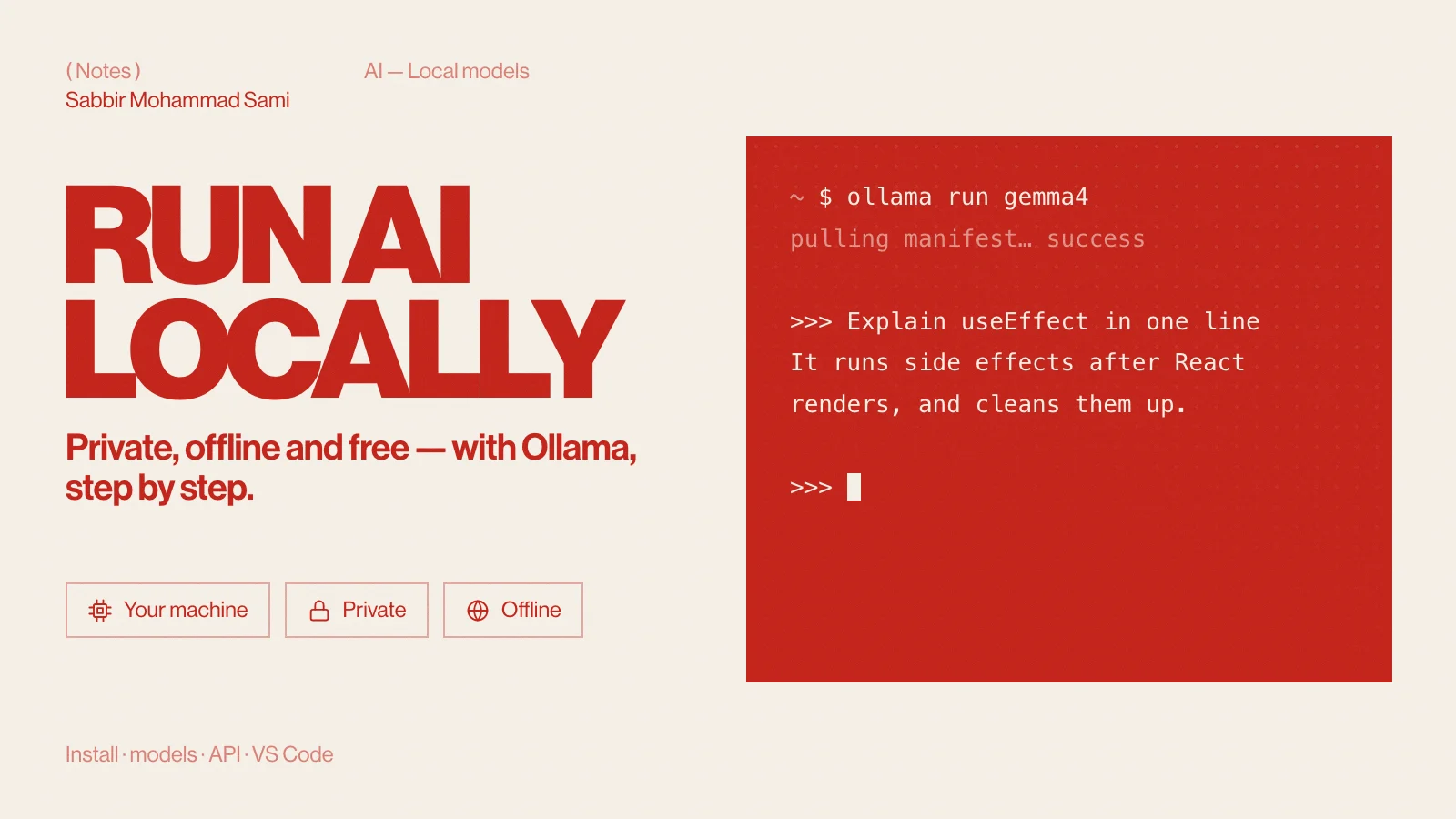
ollama run gemma4The first run downloads the model, then drops you into a chat. Type /bye to leave, and wrap multi-line input in """. You can also ask a single question without entering the chat:
ollama run gemma4 "Explain React's useEffect in two sentences"How much memory do you need? Ollama’s quickstart uses gemma4:e2b, about a 7.2 GB download, and recommends 8 GB of free VRAM — or unified memory on a Mac. With less, Ollama falls back to system RAM, which works but answers more slowly.
Manage your models
| Command | What it does |
|---|---|
ollama pull gemma4 | Download a model without starting a chat |
ollama list | Show downloaded models (also ollama ls) |
ollama ps | Show the models loaded in memory right now |
ollama stop gemma4 | Unload a running model |
ollama rm gemma4 | Delete a model from disk |
ollama show gemma4 | Show a model’s details, parameters and licence |
ollama cp gemma4 my-gemma | Copy a model under a new name |
Which model should you use?
These tags exist in the Ollama library today; sizes are the download sizes it lists.
| Use | Model tag | Download |
|---|---|---|
| Chat on 8 GB | llama3.2:3b | 2.0 GB |
| Chat on 8 GB | gemma3:4b | 3.4 GB |
| Chat on 16 GB | qwen3:8b | 5.2 GB |
| Chat on 16 GB | gemma4:e4b (the default gemma4) | 6.6–9.5 GB |
| Reasoning | deepseek-r1:8b | 5.2 GB |
| Coding | qwen2.5-coder:7b | 4.7 GB |
| Fast autocomplete | qwen2.5-coder:1.5b | 986 MB |
| Images in, text out | qwen3-vl:8b | 6.1 GB |
Vision models take an image path inside the prompt: ollama run gemma4 "What is in this image? ./screenshot.png".
Use the local API
While Ollama runs, it serves an API at http://localhost:11434. The native chat endpoint:
curl http://localhost:11434/api/chat -d '{
  "model": "gemma4",
  "messages": [{ "role": "user", "content": "Why is the sky blue?" }],
  "stream": false
}'
Responses stream by default; "stream": false returns one JSON reply. Ollama also speaks the OpenAI format at /v1/chat/completions, so code written for that format can point at your machine instead. From JavaScript:
const res = await fetch('http://localhost:11434/v1/chat/completions', {
  method: 'POST',
  headers: { 'Content-Type': 'application/json' },
  body: JSON.stringify({
    model: 'qwen2.5-coder:7b',
    messages: [{ role: 'user', content: 'Write a debounce function in TypeScript' }],
  }),
});
const data = await res.json();
console.log(data.choices[0].message.content);
There is an Anthropic-compatible endpoint at /v1/messages as well. Source: Ollama API docs.
Make a custom model
A Modelfile sets a base model, its parameters and a system prompt. Save this as Modelfile:
FROM qwen2.5-coder:7b
PARAMETER temperature 0.2
SYSTEM You are a senior TypeScript reviewer. Answer briefly and point out bugs first.ollama create ts-reviewer -f ./Modelfile
ollama run ts-reviewerollama create needs the new model’s name — ts-reviewer here — before -f, even though one example in the docs leaves it out.
Use it in VS Code
- The official Ollama extension (
Ollama.ollama) adds your local models to VS Code’s chat. It needs VS Code 1.127 or later and finds Ollama athttp://127.0.0.1:11434. Source: Ollama VS Code docs. - Continue works with Ollama through
~/.continue/config.yaml, but the project is no longer actively maintained, so prefer the official extension for new setups.
For a full editor setup around it, see VS Code extensions and settings for Next.js.
( Going further )
Local models and cloud models
Ollama now also offers cloud models — tags ending in -cloud or :cloud — which run on Ollama’s servers and need ollama signin. They are not private or offline like local models, and the free plan includes only a small monthly allowance. Everything in this guide uses local models.
Ollama FAQ
- Is Ollama really free?
- Yes. Ollama is open source under the MIT licence, and running open models on your own machine costs nothing. Only its optional cloud models have paid plans.
- How much RAM do I need to run AI locally?
- About 8 GB of free memory runs the small models comfortably, such as
llama3.2:3borgemma4:e2b. 16 GB opens up 7–8B models likeqwen2.5-coder:7b. - Does Ollama work offline?
- Yes. After a local model is downloaded, chatting and the API work with no internet connection.
- Can I use Ollama with code written for the OpenAI API?
- Yes. Point the client at
http://localhost:11434/v1/; the API key is required by most clients but ignored by Ollama.