Skip to content

Sabbir Mohammad Sami web developer

ResumeDownload Resume

All notes

(Tooling)4 min read

VS Code Extensions and Settings for Next.js and TypeScript Developers

A good editor setup catches errors before you save and formats code without you thinking about it. For Next.js, TypeScript and Tailwind CSS, nine extensions do almost all of it: ESLint, Prettier, Tailwind CSS IntelliSense, Error Lens, Pretty TypeScript Errors, GitLens, Code Spell Checker, Claude Code, and the Catppuccin theme.
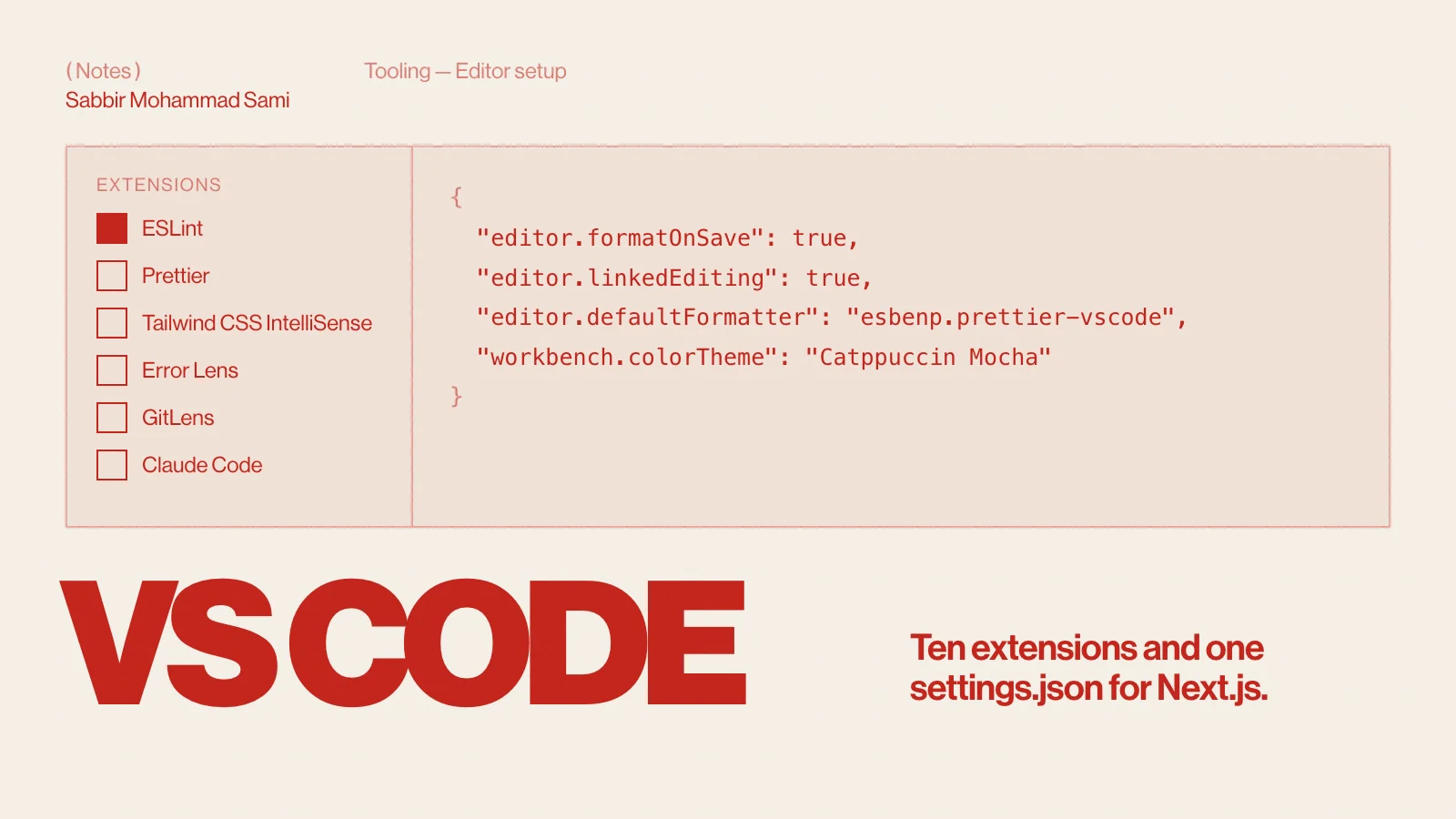
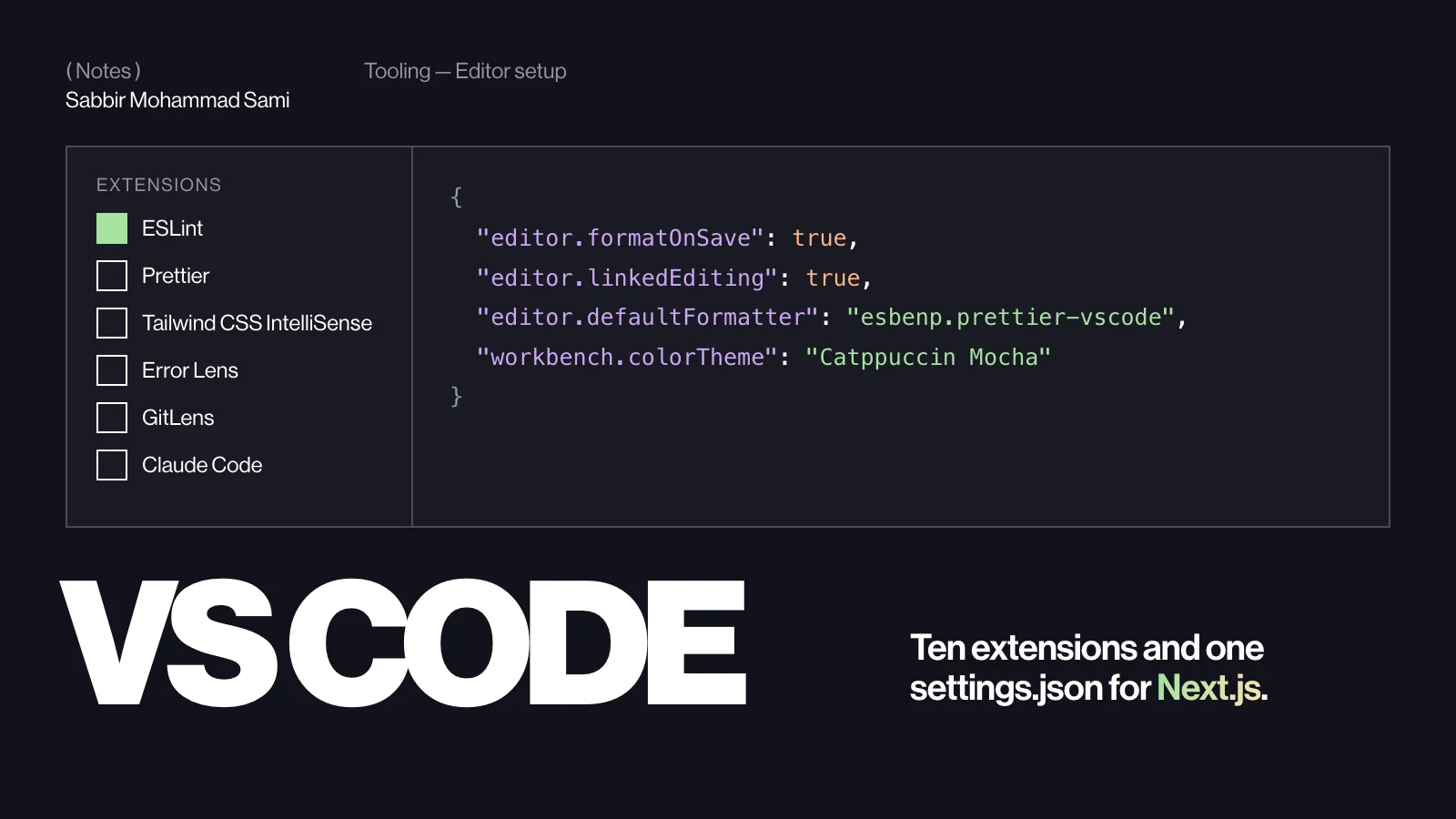
Cover: “VS CODE” in heavy capitals under an editor window listing extensions beside a settings.jsonCover: “VS CODE” in heavy capitals under an editor window listing extensions beside a settings.json

( Before you start )

The extensions

ExtensionIDWhy
ESLintdbaeumer.vscode-eslintLint problems inline, fixed on save
Prettieresbenp.prettier-vscodeOne formatter for JS, TS, CSS, JSON and Markdown
Tailwind CSS IntelliSensebradlc.vscode-tailwindcssClass autocomplete, hover previews, typo warnings
Error Lensusernamehw.errorlensErrors printed at the end of the line, not hidden in a hover
Pretty TypeScript Errorsyoavbls.pretty-ts-errorsLong type errors made readable
GitLenseamodio.gitlensWho changed a line, when and why — inline
Code Spell Checkerstreetsidesoftware.code-spell-checkerTypos in names, strings and comments
Claude Codeanthropic.claude-codeClaude Code in a panel, with its changes shown as diffs
CatppuccinCatppuccin.catppuccin-vscA soft, low-glare theme — this site’s dark mode is Mocha
Catppuccin IconsCatppuccin.catppuccin-vsc-iconsFile icons that match the theme

( Step by step )

Install them from the terminal

Make sure the code command is on your PATH — on macOS, open the Command Palette and run “Shell Command: Install ‘code’ command in PATH”. Then install the whole set at once:

Bash
code --install-extension dbaeumer.vscode-eslint
code --install-extension esbenp.prettier-vscode
code --install-extension bradlc.vscode-tailwindcss
code --install-extension usernamehw.errorlens
code --install-extension yoavbls.pretty-ts-errors
code --install-extension eamodio.gitlens
code --install-extension streetsidesoftware.code-spell-checker
code --install-extension anthropic.claude-code
code --install-extension Catppuccin.catppuccin-vsc
code --install-extension Catppuccin.catppuccin-vsc-icons

Copy these settings

Open the Command Palette, run “Preferences: Open User Settings (JSON)” and merge this in:

JSON
{
  "editor.formatOnSave": true,
  "editor.defaultFormatter": "esbenp.prettier-vscode",
  "editor.codeActionsOnSave": {
    "source.fixAll.eslint": "explicit"
  },
  "editor.linkedEditing": true,
  "files.associations": {
    "*.css": "tailwindcss"
  },
  "typescript.preferences.importModuleSpecifier": "non-relative",
  "workbench.colorTheme": "Catppuccin Mocha",
  "workbench.iconTheme": "catppuccin-mocha"
}
  • formatOnSave + defaultFormatter — Prettier formats every file you save.
  • source.fixAll.eslint — ESLint fixes what it can each time you save.
  • linkedEditing — rename an opening JSX tag and the closing tag follows. It is built in, so you do not need an Auto Rename Tag extension.
  • files.associations — opens CSS files in Tailwind mode, which stops “unknown at rule” warnings on Tailwind CSS 4 directives such as @theme.
  • importModuleSpecifier — auto-imports use your path aliases, such as @/lib/utils, instead of ../../lib/utils.

Share the setup with your team

Commit a .vscode/extensions.json, and VS Code offers to install the list when someone opens the project:

JSON
{
  "recommendations": [
    "dbaeumer.vscode-eslint",
    "esbenp.prettier-vscode",
    "bradlc.vscode-tailwindcss",
    "usernamehw.errorlens",
    "yoavbls.pretty-ts-errors"
  ]
}

Project settings work the same way in .vscode/settings.json. Keep format-on-save there so it applies to everyone, whatever their own settings say.

Back up your list

Bash
# Save every installed extension to a file
code --list-extensions > vscode-extensions.txt

# Reinstall them all on a new machine
xargs -n 1 code --install-extension < vscode-extensions.txt

Or turn on Settings Sync from the Accounts menu at the bottom left, and your extensions, settings and keyboard shortcuts follow you to every machine.

( Going further )

Shortcuts worth learning

ActionmacOSWindows / Linux
Command PaletteCmd+Shift+PCtrl+Shift+P
Go to fileCmd+PCtrl+P
Go to symbol in fileCmd+Shift+OCtrl+Shift+O
Rename symbolF2F2
Quick fixCmd+.Ctrl+.
Select next matchCmd+DCtrl+D
Toggle the panel (terminal)Cmd+JCtrl+J
Format documentShift+Option+FShift+Alt+F

Keep the editor fast

  • Every extension costs start-up time. Run “Developer: Show Running Extensions” to find the slow ones.
  • Disable an extension for one workspace instead of uninstalling it.
  • Use Profiles to keep a lean web setup apart from, say, a Python one.

VS Code FAQ

Do I still need Auto Rename Tag?
No. Turn on editor.linkedEditing and VS Code renames the matching tag itself.
Should ESLint or Prettier format my code?
Prettier formats; ESLint finds problems. Let Prettier own formatting and keep stylistic rules out of your ESLint config, so the two never fight.
What does the Claude Code extension add?
It brings Claude Code into VS Code as a panel, with proposed changes shown as diffs in the editor. It needs VS Code 1.94 or later. To shape what it does in your project, see How to write a CLAUDE.md.
Topic
Tooling
Published
Reading
4 min · 605 words
Sections
8
Tags
  • VS Code
  • Extensions
  • Next.js
  • TypeScript
  • Tailwind CSS
  • Developer tools

Experience

( 03 roles — 2+ years )

Full-stack developer in Dhaka, Bangladesh. Building for clients in Germany and Bangladesh since 2022.

  1. (01)

    August 2025 — Present

    Full-Stack Developer

    Susko GmbH · Full Time · Remote

    • Developed and enhanced an AI-powered SaaS and social media automation platform — AI content, image and video generation, automated scheduling and publishing, multi-account and content-team management, Meta, Instagram and Google integrations, WhatsApp-based content generation and scheduling, admin controls and subscription management.
    • Built a full-stack Padel court management and automation system that connects physical court hardware to a real-time web dashboard — court and player management, game control and live scores over WebSocket — and worked on the sensor electronics, PCB design, footprint verification, Gerber validation and JLCPCB manufacturing.
    • Built and maintained automation workflows with n8n, webhooks, APIs and external service integrations that take manual steps out of business processes.
    • Delivered 40+ production websites and full-stack applications for German clients across industries in React, Next.js and TypeScript — shop management, review management and automation, fundraising platforms, menu management, QR code generation and other custom business tools.
    • Optimized backend performance across production applications — database queries, API paths, data processing and Redis-based workflows — for faster, more responsive apps.

    Next.js · React · TypeScript · Node.js · Python · Prisma · Redis · WebSocket · n8n · OpenAI

  2. (02)

    March 2024 — May 2025

    Software Developer

    Bangladesh Associate of IT Solutions · Full Time · On-site

    • Developed a full-stack inventory management system tracking products, sales, payments, returns, waste products, customer ledgers and SMS notifications, in React, TypeScript, Express and MySQL.
    • Scaled an accounting management platform from a single-client application into a multi-user system, with financial dashboards, journal entries, transaction management, reporting and data visualization.
    • Deployed and maintained web applications on cPanel and VPS servers — production deployments, domain configuration, server setup and troubleshooting.
    • Delivered websites for schools, madrasas and other organizations, turning client requirements into responsive, production-ready web applications.
    • Developed and redesigned production and company portfolio websites in React, Next.js and TypeScript, with a focus on responsive design and user experience.

    React · Next.js · TypeScript · Express · MySQL · Tailwind CSS · cPanel · VPS

  3. (03)

    November 2023 — April 2024

    Full-Stack Developer

    Diginie IT · Internship · Remote

    • Completed a remote internship as a full-stack developer, building and maintaining client web applications in Next.js, TypeScript and Tailwind CSS.
    • Turned designs into responsive pages that held together on every screen size, and kept existing client sites running.

    Next.js · TypeScript · Tailwind CSS · GitHub

About

( Dhaka, Bangladesh )

Sabbir Mohammad Sami — full-stack web & app developer at Susko GmbH, building for the web since 2022.

Sabbir Mohammad Sami, smiling and looking off to the side, seated on a white block in a black sweater — black-and-white studio portrait

I’m a full-stack developer from Dhaka who cares about the part people actually touch — unusual layouts, careful CSS, motion that means something — and about the code underneath being just as clean.

( Story )

I grew up in Dhaka and studied arts and humanities at Kabi Nazrul Government College. Alongside my studies I joined a web development course, and that is where the real growth started — surprise. Alongside work, I am now in my third year of Honours in Economics at National University.

My first website was a tourism site about the place I most wanted to visit. I built it in class 10.

Today I build AI products, automation and client platforms at Susko GmbH, after two years of shipping inventory, accounting and client sites at BAITS. What I am after has not changed: interfaces that look good and back-ends that run smoothly, from the same pair of hands.

Honest, down to earth, and fond of hard work. My inbox is always open — for a project, or just to say hi.

  1. ( Education )

    1. Kabi Nazrul Government College

      • Arts and humanities
      • Dhaka, Bangladesh
    2. National University, Bangladesh

      Session 2023–2024 · Now

      • Honours in Economics — 3rd year
      • Department of Economics
  2. ( Co-curricular )

    —

    Bangladesh National Cadet Corps (BNCC)

    • 1 No Battalion, Ramna Regiment
    • Rank: Cadet Corporal
  3. ( Languages )

    Bangla, English, Hindi

    • Bangla — native
    • English — comfortable
    • Hindi — fluent

( Skills )

Expertise
React · Next.js · JavaScript · TypeScript · MongoDB · Bootstrap · Tailwind CSS · shadcn/ui · GitHub · Figma
Comfortable
Flutter · Dart · MySQL · Mongoose · Express · TanStack Query · Firebase · React Router · Photoshop
Familiar
Zod · Framer Motion · GSAP · JWT · Axios · CORS · Stripe · Vercel

( Questions )

Who is Sabbir Mohammad Sami?

Sabbir Mohammad Sami (S M Sami) is a full-stack web and app developer from Dhaka, Bangladesh. Since August 2025 Sami has worked as a Full-Stack Developer at Susko GmbH in Germany, after building inventory and accounting platforms at Bangladesh Associate of IT Solutions (BAITS). Sami has been building for the web since 2022.

What does Sabbir Mohammad Sami build?

Sami builds websites, web apps, mobile apps and AI products end to end: company and restaurant websites, booking and management platforms, an AI social media platform (Kocial), an AI review manager (ReviewSync) and a Flutter money app (Sompi). That includes 40+ production websites for clients in Germany and Bangladesh.

Which technologies does Sami work with?

Sami works across the MERN stack — MongoDB, Express, React and Node.js — and with Next.js, TypeScript, Tailwind CSS, MySQL, PostgreSQL, Prisma and Redis. Mobile apps are built in Flutter and Dart. AI features use the OpenAI API, n8n automations and webhooks, and motion uses GSAP.

Does Sami build mobile apps with Flutter?

Yes. Sami builds cross-platform apps in Flutter and Dart. Sompi, Sami’s own money tracker, runs on Android, iOS, the web and the desktop from one Flutter codebase, with Riverpod for state and an encrypted SQLite store, so every account and transaction stays on the device.

Does Sami build AI products?

Yes. At Susko GmbH Sami builds AI SaaS: Kocial writes captions, generates images and publishes to Facebook and Instagram for agencies, and ReviewSync answers Google reviews in a business’s own voice. Sami also builds n8n workflows that connect AI models to business tools.

How can I hire Sami as a web or app developer in Dhaka?

Email smsami.dev@gmail.com or use the contact form on this site with a short note about the project. Sami works with clients in Dhaka, across Bangladesh and abroad — remotely for companies in Germany — and replies in English or Bangla.

( Contact )

Contact

( Available for projects )

Based in Dhaka, Bangladesh (GMT+6). Happy to talk in English, Bangla or Hindi.

Let’s work together.

Have an exciting project you need help with? Send me an email, give me a call, or write below — a project, a question, or just to say hi.

( Write to me )

* Required